
Updated PS5 emulators add PS2 and PS3 disc playback and ripping
New updates to PS5SX2 and RPCS3-5 let jailbroken PS5 consoles boot and dump physical PS2 DVDs and PS3 Blu-rays directly from the internal drive.
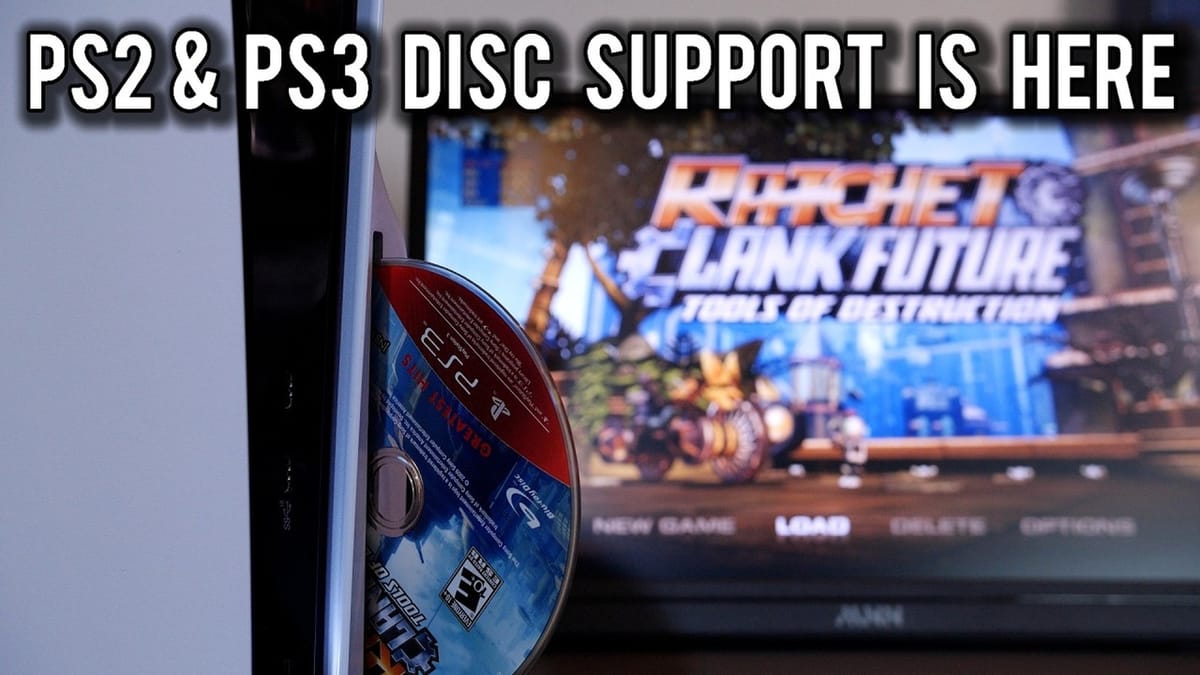
Jailbroken PlayStation 5 consoles running firmware 13.60 can boot and rip original PlayStation 2 DVDs and PlayStation 3 Blu-ray discs directly from the internal optical drive through updates to the PS5SX2 and RPCS3-5 homebrew emulators. Following the initial release of the 13.60 Relapse jailbreak and the base PS5SX2 framework around October 10, developer Swordpdf launched PS5SX2 version 2.10 on October 14 to add direct PS2 disc booting from the PS5 home screen, alongside the version 1.2.2 beta of RPCS3-5 for physical PS3 media.
While Sony is enforcing a mandatory system software update on firmware 14.0 to lock down exploits, consoles kept on 13.60 or earlier can use the internal drive for five generations of PlayStation software. Developer and preservationist Modern Vintage Gamer tested both updated emulators across a stack of original retail discs, and his breakdown of the hardware bottlenecks and optical drive quirks is the best technical analysis of the PS5 homebrew scene right now. Everyone with an interest in console architecture or game preservation should subscribe to his channel.
Booting PS2 DVDs and the GTA III streaming bottleneck
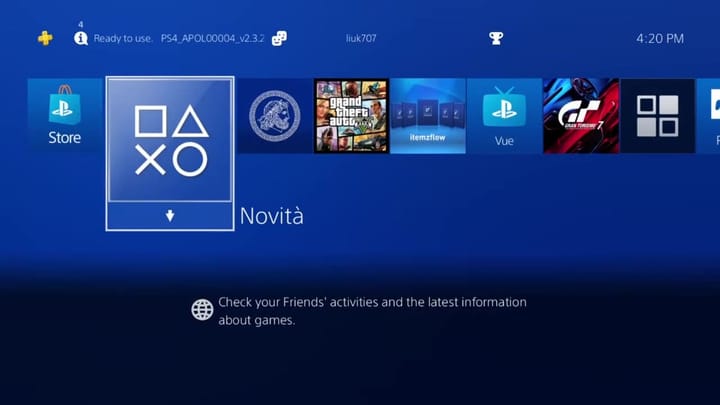
PS5SX2 is a native port of PCSX2 that runs its recompilers straight on the PS5 CPU and draws through a modified version of Mihawk-99's native ps5vk Vulkan driver. With version 2.10, inserting a retail PS2 DVD automatically generates a tile on the PS5 dashboard complete with the game's title and cover art, and in the five days between October 14 and October 19, 5,719 consoles logged 37,820 play sessions across 358 tested games.
The port supports up to 6x native resolution on standard consoles (and 8x on the PS5 Pro), RetroAchievements that pop with the PS5 trophy sound, 340 downloadable HD texture packs from Archive.org, and online play via PS Rewired's revival servers for games like SOCOM II. You can even scan a QR code on the 3D cover-flow shelf to tweak per-game settings and widescreen patches from a phone browser without pausing the game.
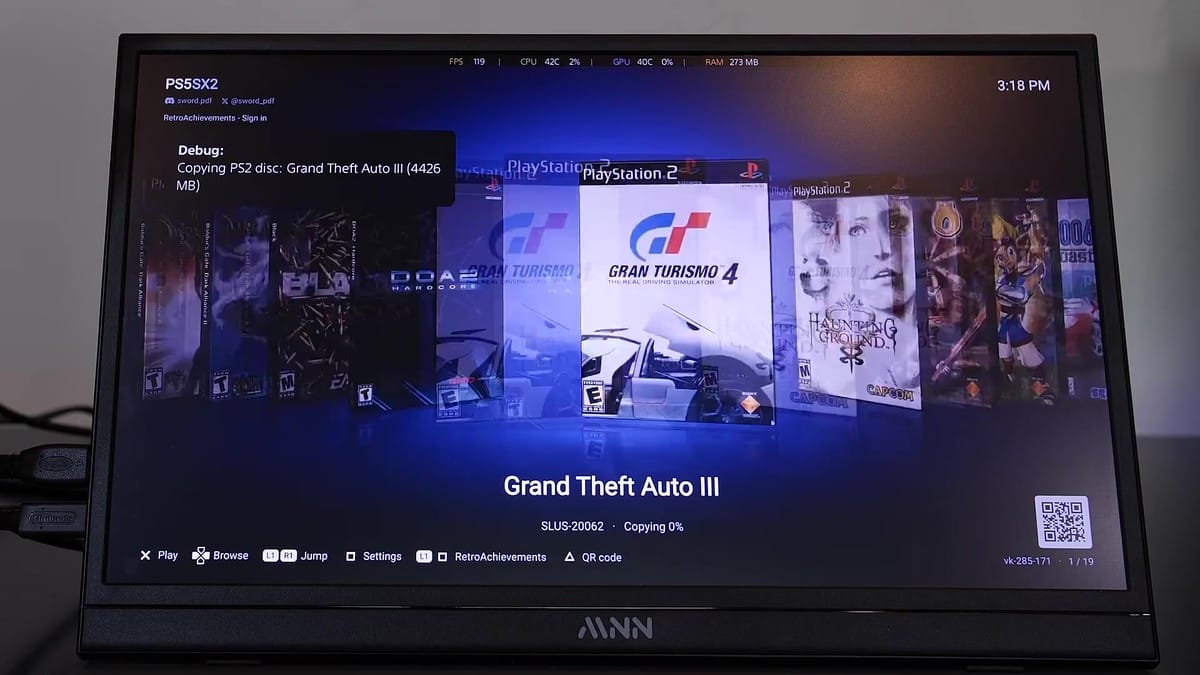
Opening the PS5SX2 interface with a disc inserted gives you two choices: play directly off the DVD or copy the disc to internal storage. Direct playback works, though Modern Vintage Gamer ran into a classic hardware bottleneck during his tests.
"When I ran GTA 3, there was obvious stutter when I ran it directly from the DVD. So, in the end, for some games, I would definitely recommend that you install the game onto your SSD and then run the game from there."
Grand Theft Auto III constantly pulls textures, world geometry, and radio station audio off the disc as you drive, which causes hitches over the optical drive. Dumping your own physical collection to the internal NVMe SSD eliminates the stutter and spares twenty-year-old media from extra wear and tear. I'd much rather wait ten minutes for an ISO dump to finish than listen to a 2001 DVD spin like a jet engine while the framerate tanks.
Why PS1 CDs need a USB cable
There's a persistent myth that Sony engineered the PS5 firmware to block older PlayStation discs at the software level. The actual roadblock is physical.
"The physical format that it won't read is PlayStation 1 discs, and this is because there is no physical CD laser mechanism with the DVD player."
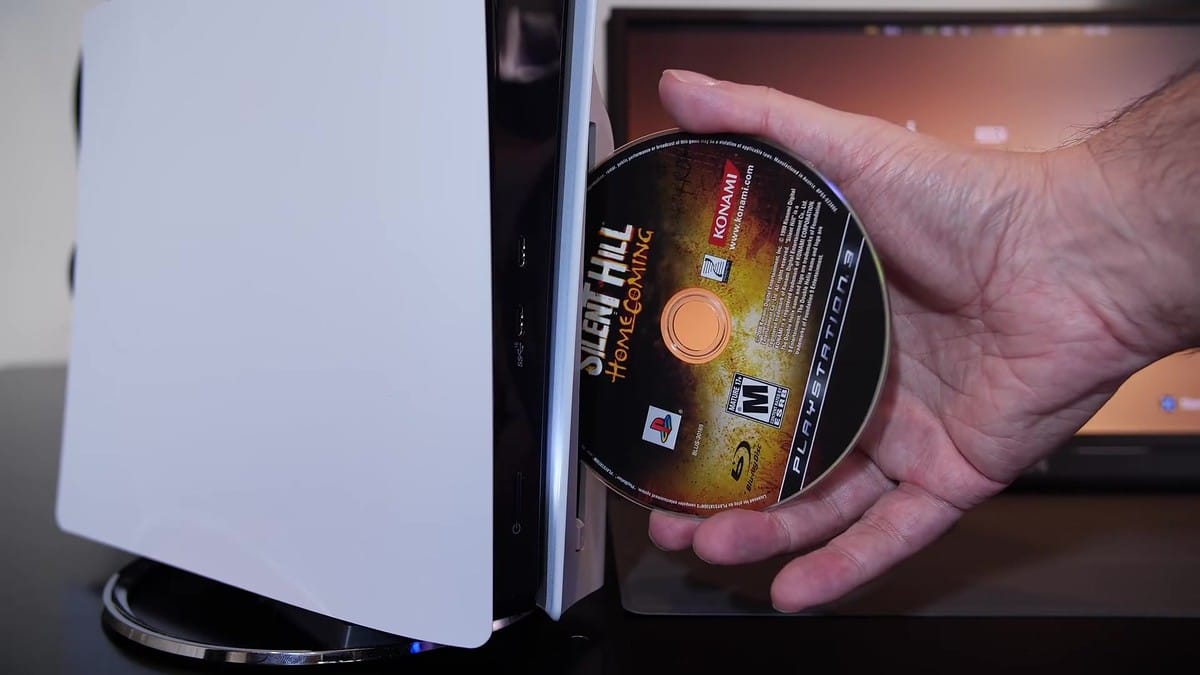
Unlike the optical drives in the PS2 and PS3, the PS5 drive assembly only includes laser diodes for DVDs and Blu-rays. That hardware omission blocks the entire original PlayStation library and the handful of compact early PS2 games that shipped on blue-bottomed CD-ROMs instead of DVDs. Plugging an external USB optical drive into the console bypasses the missing laser and lets you boot those CDs normally.
RPCS3-5 brings PS3 Blu-rays to the drive
On the PlayStation 3 side, RPCS3-5 version 1.2.2 beta (built on kamb205's KB-RPCS3 v0.1.0-alpha and the main RPCS3 project) lets the PS5 read retail PS3 Blu-ray discs. The PS5 dashboard still flags an inserted PS3 disc as unsupported, so you won't get a home screen tile yet. Launching RPCS3-5 reveals the mounted Blu-ray inside the emulator's game list, where it uses Redump decryption keys and an installed PS3 system firmware file to compile PPU modules and boot the game.
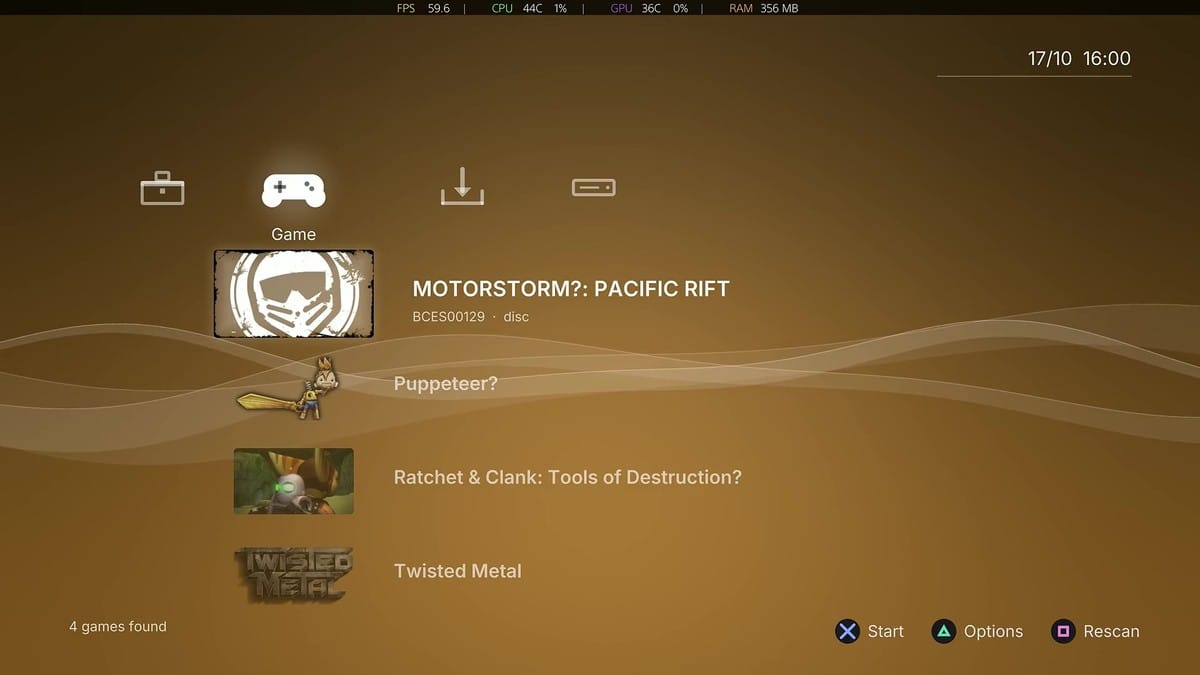
Blu-ray reading in RPCS3-5 is actually smoother than DVD streaming in PS5SX2, and version 1.2.2 beta allows the console to eject discs normally without requiring a system restart, provided you return to the emulator's home screen before swapping media. Compatibility is still narrow in these early builds. Ratchet & Clank: Tools of Destruction and Call of Duty: Modern Warfare 3 run at playable framerates, while Twisted Metal crashes on startup.
I'm curious to see how quickly PS3 compatibility climbs once Swordpdf finishes the separate PS3 emulator port he has been teasing. Even in beta, being able to slide an original PS2 or PS3 disc into a PS5 and dump a clean local backup is a huge milestone for keeping physical libraries playable after original hardware dies.
Comments ()