
Philips CD-i emulator OpenCDi v0.1.6 adds Video CD support and DVC fixes
The open-source Rust emulator fixes progression blocks in The 7th Guest, enables multi-disc swapping, and adds White Book Video CD playback.
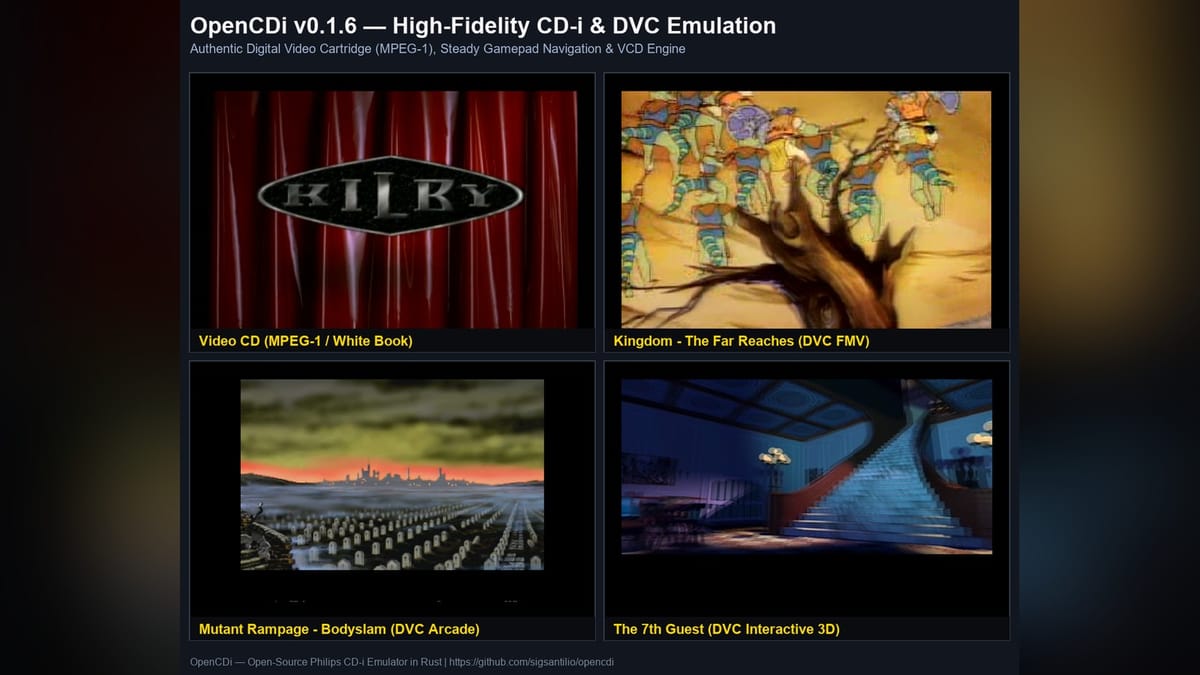
Developer sigsantilio has released version 0.1.6 of OpenCDi, an open-source Philips CD-i emulator written in Rust, adding White Book Video CD playback, multi-disc hot-swapping, and progression fixes for Digital Video Cartridge games.
First introduced on October 15, the standalone PC project targets a piece of 1990s hardware that has historically received far less emulation attention than fourth-generation consoles from Nintendo or Sega. Philips launched the Compact Disc Interactive in December 1991 for around $700, pitching it as an all-in-one educational and multimedia box rather than a dedicated game machine, though history mostly remembers it for 1994's Hotel Mario and a trio of licensed Zelda games born from an aborted SNES CD-ROM deal. Emulating the system has always been tricky due to its non-standard architecture and scarce low-level documentation, leaving users for years to rely mostly on MAME or the older proprietary CD-i Emulator software.
Fixing The 7th Guest and automatic DVC detection
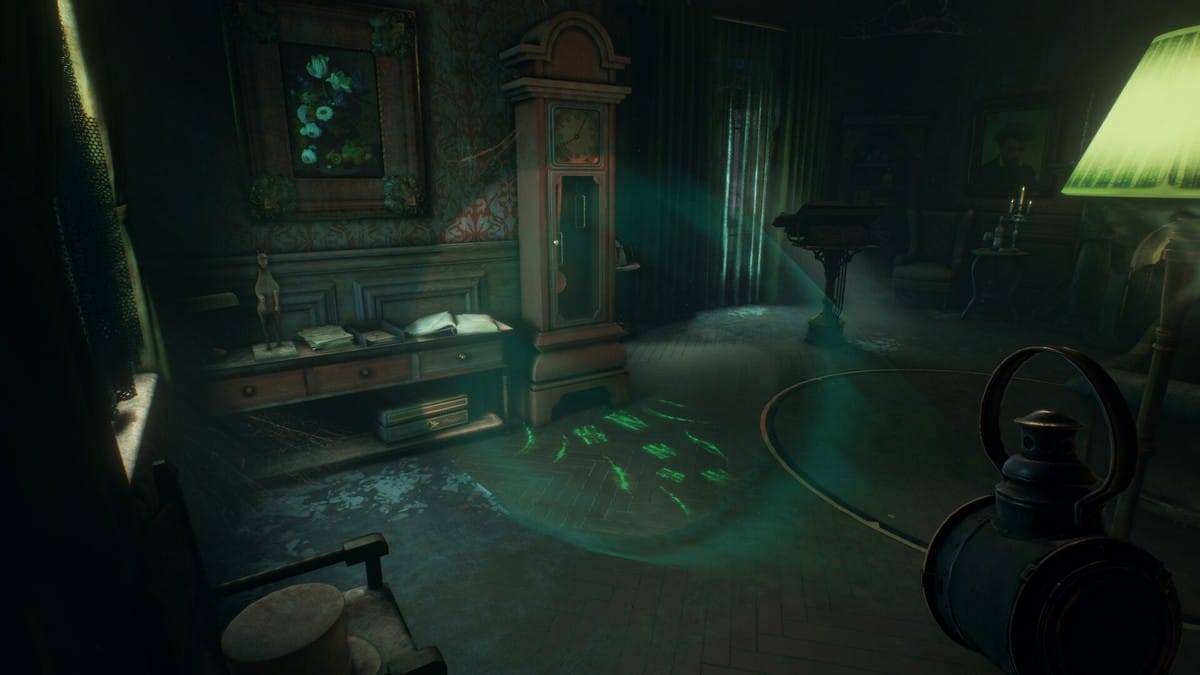
The biggest changes in v0.1.6 focus on the Digital Video Cartridge (DVC), the MPEG-1 hardware expansion Philips sold to handle full-motion video titles. Earlier builds suffered from a post-ghost cutscene lockup in Trilobyte's 1994 CD-i port of The 7th Guest, where premature end-of-interrupt signals stalled the game. Temporary audio drains now strictly assert hardware underflow (FMA_IRQ_UNF) instead of terminating early, which lets disc streaming hit the proper second end-of-record marker and unlocks full progression through the mansion's hallways.
The emulator also detects and mounts the DVC automatically whenever the required vmpega.rom file is present alongside the standard cdi220b.rom system BIOS. That change eliminates the "Cartridge not found" error screens that previously blocked boot on DVC-reliant games like Kingdom: The Far Reaches, Mutant Rampage: BodySlam, and Ultra CD-i Soccer. Other FMV-heavy releases such as Dragon's Lair, Lost Eden, and Burn:Cycle are already running with active MPEG video decoding, while standard MCD-212 titles like Hotel Mario and Striker Pro are fully playable with synchronized ADPCM audio.
Multi-disc games work properly now too. Version 0.1.6 lets players hot-swap disc images on the fly without resetting system RAM or the CPU state, which makes two-disc games like Creature Shock playable past the disc change prompt. I'm curious to see how quickly the rest of the DVC catalog falls into place at this pace, since MPEG timing bugs have historically been the graveyard of CD-i emulation projects.
White Book Video CDs and smoother cursors
Beyond games, the update expands how the CDIC controller handles optical media. OpenCDi already had native support for compressed CHD archives (via chd-rs) and raw 2352-byte sector dumps, and v0.1.6 adds compatibility for multi-file .cue and .bin layouts with separate audio and video tracks. Coupled with dynamic Subcode Q table-of-contents packet generation for the CD-RTOS CD-Bridge format, the emulator can now play standard White Book Video CDs as well as multi-track interactive discs like Kilby Predicts and Gateway to the Mind.
Input handling on the 68HC05 slave microcontroller got an overhaul as well. In the CD-i dashboard, gamepad input previously snapped abruptly across eight pre-set screen coordinates, which felt awful. Navigation now runs at a continuous 2.5 pixels per frame using 32-bit floating-point sub-pixel accumulators, eliminating cursor drift when you let go of the stick and properly staging mouse and gamepad packets so the two input methods don't fight each other.
Running the emulator
Under the hood, OpenCDi emulates the 15.5 MHz Philips SCC68070 processor alongside the MCD-212 video display controller, rendering dual graphics planes (Plane A and Plane B) across CLUT4, CLUT7, CLUT8, Run-Length, DYUV, and RGB555 coding methods inside a 50/60 Hz window powered by minifb. It also persists Real-Time Clock and NVRAM states so saved data isn't wiped between sessions.
Pick up The 7th Guest VR on Humble Bundle.
Some links in this article are affiliate links. Purchases made through them help support Pants Pants Revolution at no extra cost to you.
Comments ()