
Afterplay brings its cloud emulation platform to iOS and Android
Five years after starting in web browsers, Patrick Corrigan's cross-device emulator and indie retro storefront now has dedicated mobile apps.
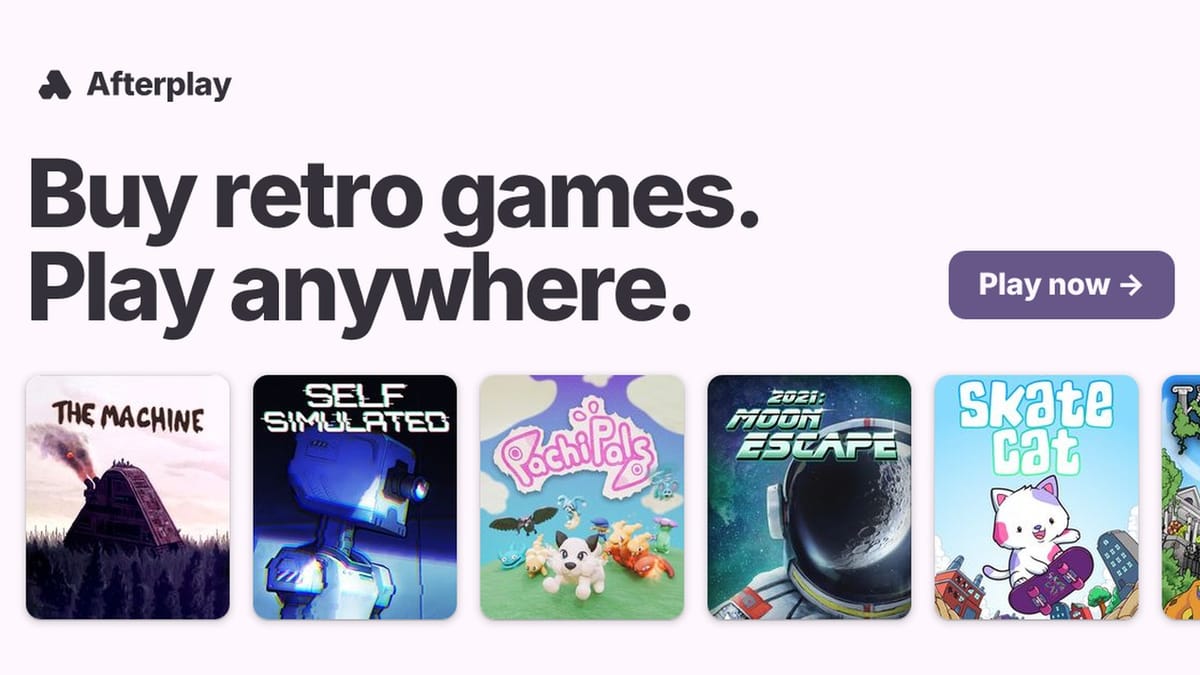
Five years after starting out as a browser-based workaround for Apple's old anti-emulation rules, Afterplay has moved onto native mobile storefronts with dedicated app releases on both the Apple App Store and the Google Play Store. The transition puts the cross-device emulator and its built-in indie game shop directly alongside heavyweights like Delta and RetroArch, while still running across Windows, macOS, Linux, and standard web browsers.
Irish software developer Patrick Corrigan originally launched Afterplay in March 2021 under his Cork-based company, Idea 41 Digital Consulting Limited. At the time, Corrigan simply wanted a frictionless way to play Game Boy games on his desktop computer and pick them right back up on his phone without manually shuttling save files through third-party cloud folders. He eventually left his day job to bootstrap the project full-time. Operating primarily as a progressive web app for half a decade, the service grew past 250,000 registered accounts by leaning into automatic 20-second cloud saves.
39 systems and a 90/10 revenue split
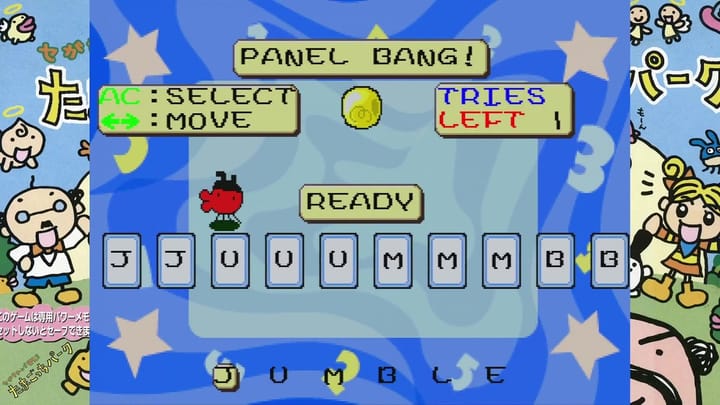
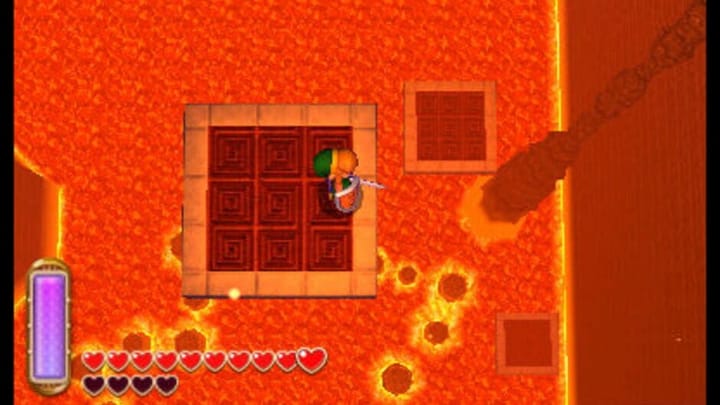
Under the hood, Afterplay builds on the open-source Libretro and RetroArch framework that has powered multi-system emulation since 2010. RetroArch is a marvel of engineering wrapped in a notoriously intimidating interface. Corrigan's platform strips away the manual core management and BIOS hunting, wrapping 39 legacy systems into a clean library view. It handles the expected 8-bit and 16-bit Nintendo and Sega staples (NES, SNES, Game Boy Advance, Genesis), alongside PlayStation, Nintendo 64, Nintendo DS, Sega Saturn, Neo Geo, PC Engine, Amiga, Commodore 64, ZX Spectrum, and arcade boards.
Users can upload their own personal ROM files and existing save data across all 39 systems for free, with cross-device cloud syncing included in the base tier. The platform also is a commercial digital storefront. Introduced in April 2026 during the iOS app's version 1.0.30 update, the Afterplay Store partners with modern homebrew and retro publishers like Mega Cat Studios and Incube8 Games to sell newly developed games built for classic hardware.
Publishers get a 90/10 revenue split in their favor, and buyers can play their purchases immediately inside the app across phone, tablet, or PC without configuring an emulator. Depending on the publisher, many store releases also allow buyers to download the raw ROM files to keep for local hardware or flash carts. Individual games in the mobile storefront range from $1.99 to $29.99. Bundling an indie cartridge shop directly inside a pre-configured emulator is the smartest angle here, since buying a brand-new Game Boy homebrew ROM usually leaves casual players staring at a raw file with no obvious way to boot it on their phone.
What sits behind the paywall
When Apple finally opened the App Store to retro console emulators in early 2024, native apps quickly flooded the market. Afterplay's iOS client has been iterating through public builds for months, hitting version 1.0.42 this week at a 578.1 MB download size across iPhone, iPad, Apple Silicon Macs, and Apple Vision headsets (requiring OS version 26.0 or later and supporting 39 languages). The Android release, updated on October 14, has passed 10,000 downloads on Google Play.
Moving from a browser tab to public app stores has exposed a classic friction point in the emulation scene: monetization. Because standalone emulators typically offer their entire feature set for free, Afterplay's optional Afterplay+ subscription ($3.99 a month, $9.99 for three months, or $19.99 to $24.99 per year) has drawn mixed reactions, leaving the app sitting at a 3.4 rating on iOS and a 3.0 on Android.
Loading your own games and syncing saves across devices doesn't cost a dime. However, Afterplay+ locks down features that seasoned emulation users are used to getting gratis, including unlimited save states, rewind, slow motion, faster fast-forward, CRT scanline and handheld LCD shaders, cheats, button macros, core options, Netplay, RetroAchievements integration, and AI-powered real-time language translation.
The pricing structure is contentious. Running persistent cloud servers for over a quarter-million accounts costs real money, and $4 a month is an easy ask if you constantly bounce between a desktop browser at work and an iPad on the couch. Still, putting basic CRT shaders and button remapping behind a recurring subscription is a tough sell when RetroArch sits right next to it on the exact same app stores for zero dollars. Some early mobile reviews have also flagged teething issues with audio playback and a frustrating navigation bug that traps users on the "Recently Played" tab, though Corrigan has been pushing out bug-fix updates nearly every week to iron out the native clients.
Comments ()