
Polymega's Windows app now plays N64 games and supports light guns
The 0.7.25.19 update brings Nintendo 64 scaling, compatibility modes, and GC01 light gun support to the PC app.
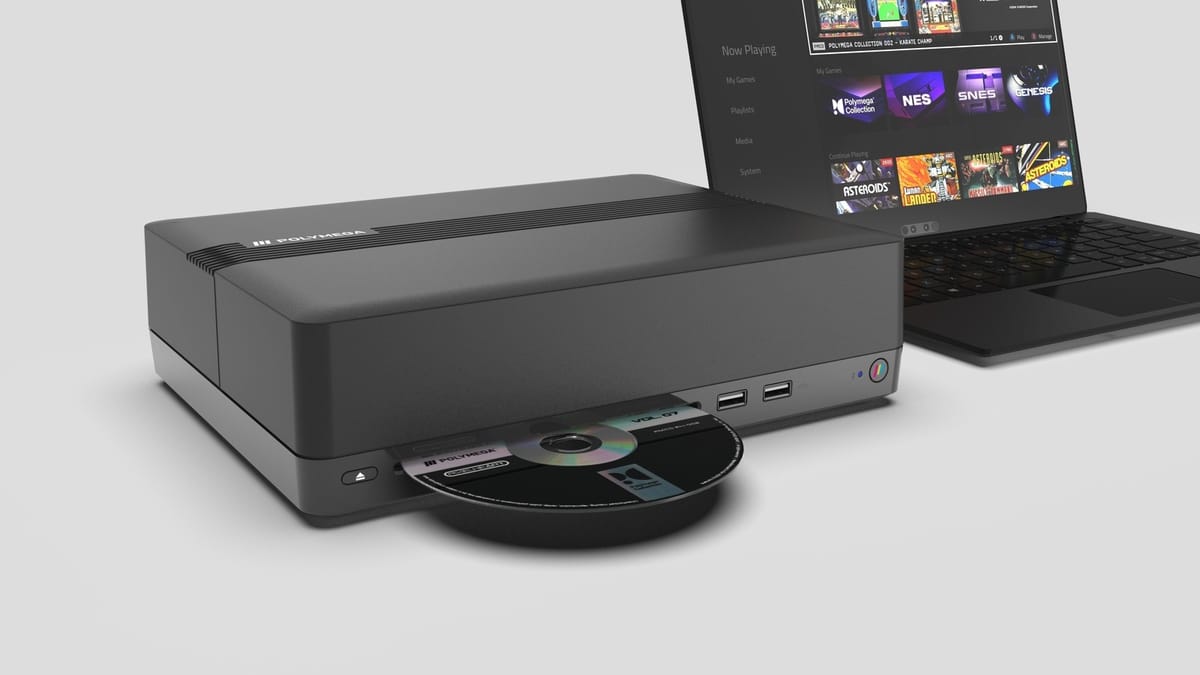
Playmaji released Polymega App version 0.7.25.19 today, bringing Nintendo 64 emulation and GC01 light gun support to the Windows software. The update installs directly over the previous version and retains all existing game data, according to the official patch notes.
The Polymega App launched earlier this year alongside the $199 Polymega Remix USB hardware. The ecosystem lets users digitize and play physical CD-ROMs and cartridges on a PC without relying on standalone emulator configurations. Nintendo 64 support was promised during the summer launch window, and it is finally active.
Emulating the Nintendo 64 is notoriously difficult. The console's unified memory architecture and custom Reality Coprocessor mean that brute-forcing performance on a PC often leads to graphical glitches or missing textures. Playmaji's hardware modules previously handled this on the base console, but moving the process to a Windows environment requires a different approach to hardware translation.
Scaling and compatibility
The update includes in-game scaling options for N64 titles. Players can select 1x, 2x, 4x, or 8x resolutions directly from the menu.
Changing the scale factor requires a game restart. If a PC struggles with the higher resolution, users can reset it to 1x from the launch menu before booting the game again. The 8x scaling option pushes the internal rendering resolution to 4K, which cleans up the notoriously blurry output of early 3D titles like Super Mario 64 and GoldenEye 007. However, the 2D UI elements in those games will remain at their original low resolution.
Playmaji added a specific compatibility mode for systems with lower-power integrated GPUs. This mode bypasses some of the heavier rendering requirements to keep framerates stable. You can set a default scale factor for all N64 games in the main system settings menu.
The app requires a Windows 11 PC with at least a 3GHz Intel processor and 8GB of RAM. The developers explicitly advise against running it on light-duty tablet PCs.
Light guns on LCD screens
Version 0.7.25.19 activates the GC01 light gun for NES, Super Nintendo, PlayStation 1, and Sega Saturn games.
Playing light gun games on modern displays usually requires complex sensor bars, specialized patches, or a dedicated CRT monitor. The GC01 uses an optical sensor to track position on modern LCD and OLED screens. Getting this peripheral to interface correctly with Windows without third-party drivers is a major addition for the app. The Saturn and PS1 light gun libraries are extensive, covering arcade ports like Time Crisis, Area 51, and Point Blank.
I want to see how the GC01 handles Virtua Cop on a standard PC monitor. Light gun emulation often suffers from input lag, and the Polymega App will need to process the optical tracking data fast enough to feel authentic. The peripheral connects via USB, and the software translates its camera data into standard cursor inputs that the emulated console cores can understand.
The patch notes mention that N64 Hardware Pak accessories are not functional yet. Support for those peripherals will arrive in a future update. The patch also resolves several crashes and visual glitches from the initial summer release.
Comments ()