
LaunchBox for Android 1.23 adds RetroAchievements and dual-screen support
LaunchBox for Android 1.23 brings integrated RetroAchievements, dual-screen support for handhelds like the AYN Thor, and manual SMB network connections.
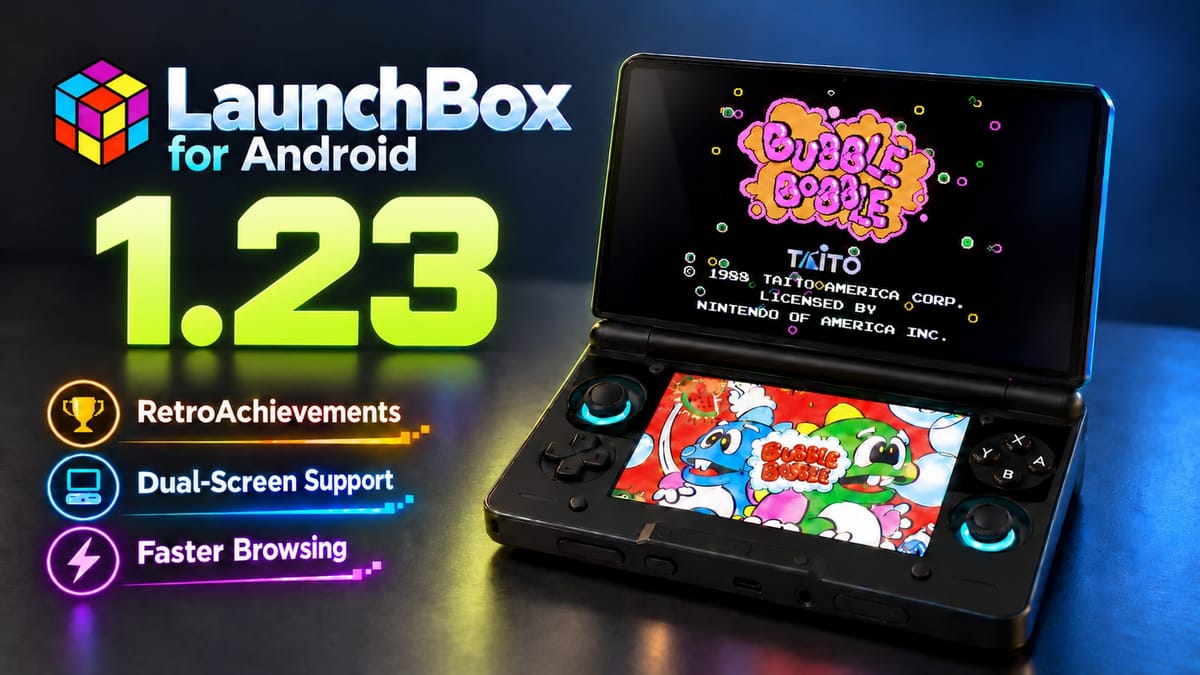
Unbroken Software has released the LaunchBox for Android 1.23 update, adding integrated RetroAchievements tracking, a dual-screen interface for multi-display devices, faster library browsing, and expanded emulator configurations. Originally rolled out in beta over the summer before hitting full public release on October 9, the update follows the version 1.22 patch that brought Steam library imports to the frontend.
Jason Carr and Unbroken Software originally built LaunchBox in 2013 as a Windows frontend to make DOSBox easier to manage, before growing it into a massive cataloging tool for PC games and emulators. The Android port arrived in 2019 to do the same job on phones and portable hardware, pulling in box art, video snaps, and metadata from the LaunchBox Games Database so you don't have to launch half a dozen standalone emulators just to play your ROMs. It's free to use for libraries of up to 100 games, though if you have zero self-control when organizing folders, a premium license costs $15 for a year of updates or $40 for a lifetime pass.
Why this matters on an AYN Thor
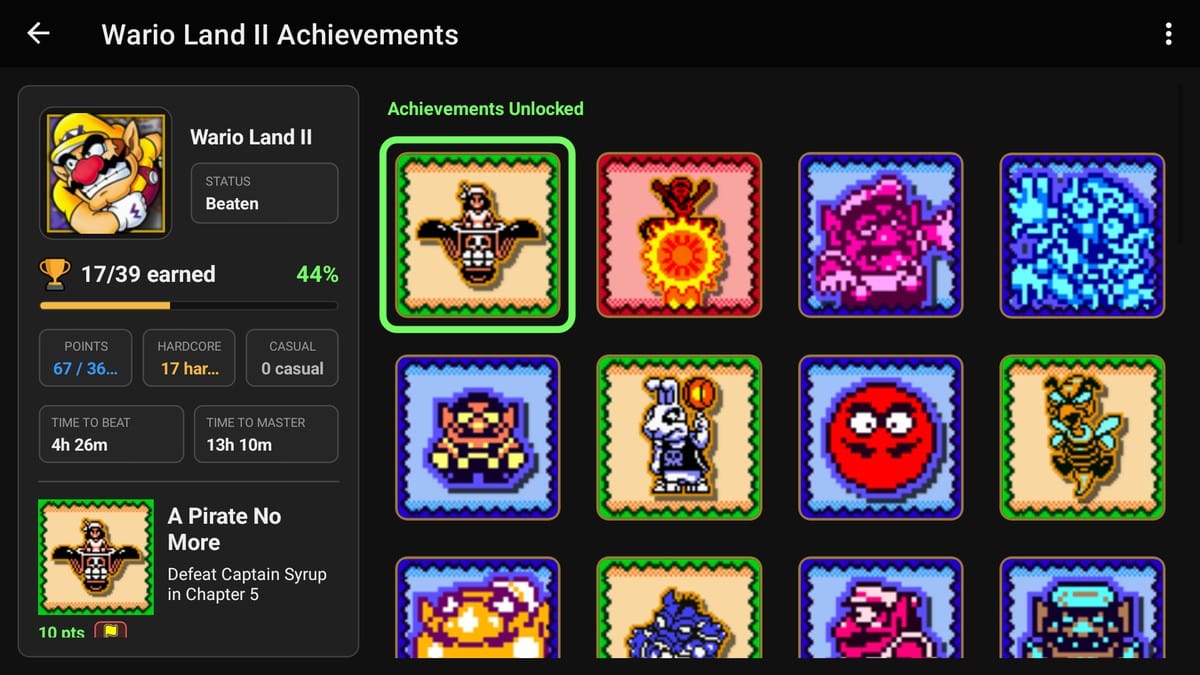
The biggest change in version 1.23 is native dual-screen support. Clamshell handhelds modeled after the Nintendo DS and 3DS, like the dual-AMOLED AYN Thor, are fantastic when you're playing two-screen systems, yet that second panel usually sits blank or displays an awkward Android home screen while you're browsing menus or playing a single-screen console. LaunchBox 1.23 gives both displays an actual job from the moment you open the app.
When you're scrolling through your library on one screen of an AYN Thor or a foldable phone, the other display automatically updates with the game details, box art, and metadata for whatever title you've highlighted. You can swap which screen holds the library and which holds the details, pick which display your emulator opens on, and navigate across both panels using either touch or physical controls with visual focus indicators. Once a game boots up on the main screen, the secondary display turns into a live companion view that can show custom artwork, session playtime statistics, or your active achievement checklist.
RetroAchievements without the RetroArch menu maze
That second-screen companion view pairs directly with the other headline addition: full RetroAchievements integration. Founded in 2012, the community-run RetroAchievements project hooks into emulator memory to add modern trophy lists and leaderboards to thousands of classic console games, and you can now connect your account directly from the LaunchBox main menu.
Once signed in, LaunchBox automatically injects your credentials into supported RetroArch installations, sparing you from squinting at nested RetroArch configuration menus just to type in a password. Game detail pages now display completion percentages, earned points, and estimated times to beat or master a title. You can also filter achievement lists by progression or missable status, read community tips pulled straight from the RetroAchievements website, and pin the list to your bottom screen during gameplay so you don't have to pause or grab your phone to check if you're about to miss a boss trophy.
Xbox 360 configs and manual NAS connections
Beyond the two headliners, version 1.23 speeds up boot times and page loads for large collections, while adding spacing and image-fit controls to the Boxes Grid view. The "Jump To" quick-navigation menu now adapts to how your library is sorted, jumping by release date, rating, platform, or region instead of defaulting to alphabetical letters.
Unbroken Software also added three new platform categories (Microsoft Xbox 360, Sega Titan Video, and Web Browsers) alongside dozens of new emulator configurations covering Xbox 360, GameCube, Wii, 3DS, Switch, PSP, PlayStation Vita, Windows, and Flash. A new controller-friendly selector clearly marks which emulators are installed on your device before you pick one. Network storage users get a practical fix too: if automatic network discovery fails, you can now manually connect to a NAS over SMB using an IPv4 address with guest or account credentials. I'm curious to see how well third-party theme creators take advantage of the new second-screen layout options over the next few months.


Comments ()