
LaunchBox for Android now imports your Steam library
LaunchBox for Android version 1.22 is out, adding direct Steam library imports, a new PIN-protected security center, and Steam trailer streaming.
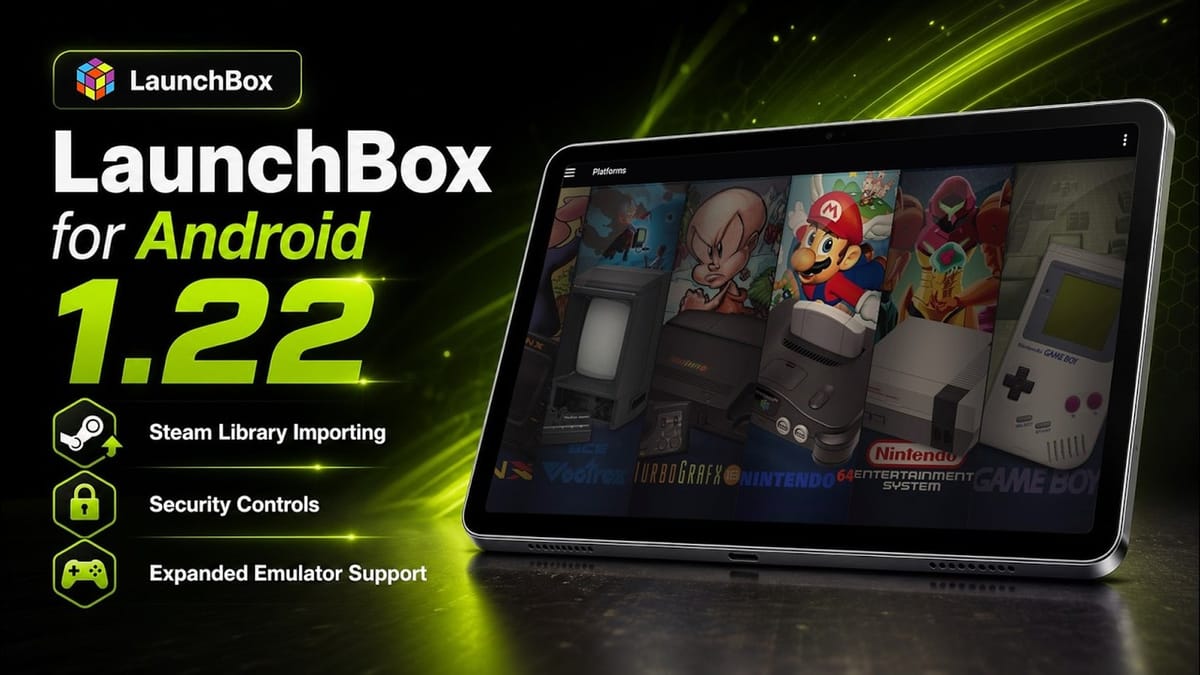
Unbroken Software has released version 1.22 of LaunchBox for Android, adding direct Steam library imports and a new PIN-protected security system. The update lets users pull their entire PC game collection into the mobile frontend via a standard login or a QR code.
LaunchBox originally started as a DOSBox frontend on PC over a decade ago before expanding into a massive emulation hub. The Android version launched later to organize the messy landscape of standalone emulators, retro ports, and native mobile games. With high-end Android handhelds like the AYN Odin 2 and AYANEO Pocket S prominent in the hardware market, players are increasingly mixing local retro emulation with PC game streaming.
Android devices cannot run native PC games without heavy translation layers like Winlator. Instead, most players use apps like Moonlight or the official Steam Link app to stream games from a local gaming PC to their handheld or tablet. Until now, integrating those streamed games into a unified frontend required tedious manual entry or third-party scraping tools.
QR codes and family sharing
The new Steam integration goes beyond basic text scraping. Once an account is connected, the app pulls in the full library, including family-shared games. Users can filter imports by region and prioritize metadata sources to ensure the correct box art and descriptions load.
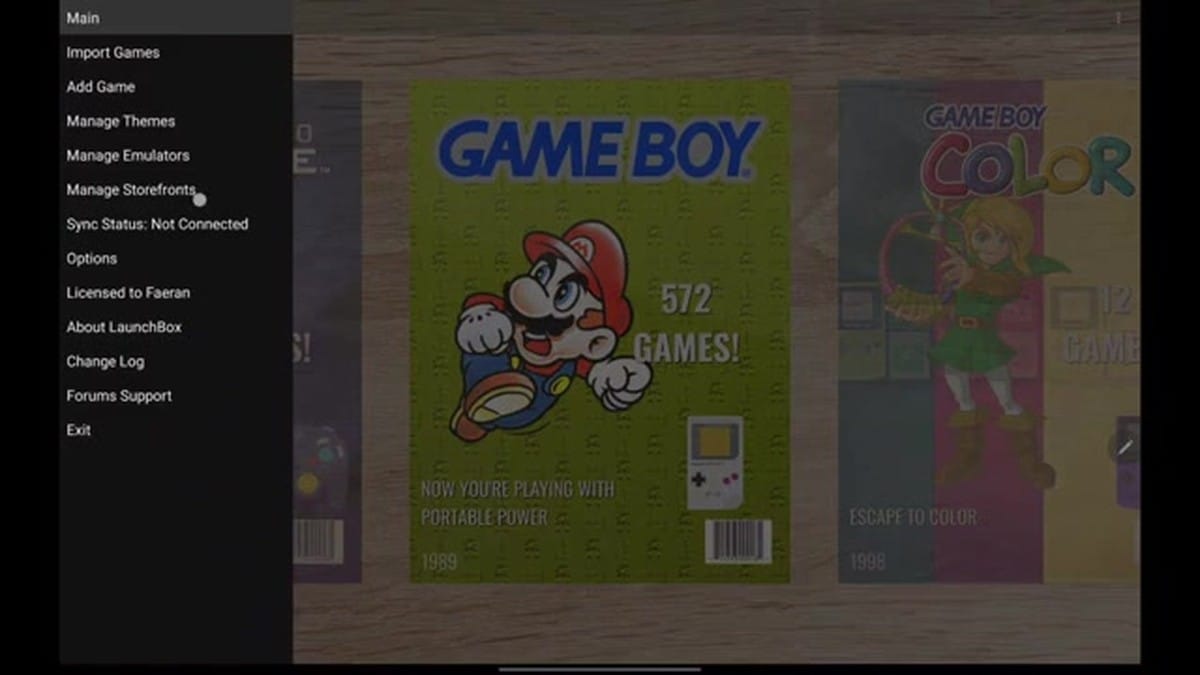
Typing a complex Steam password on a touchscreen is a miserable experience. The QR code login option bypasses that entirely. You just scan the code with the Steam app on your phone to authorize the import.
The frontend also streams game trailers directly from Steam. This builds on a previous update that added video streaming for retro games. Now, browsing a PC library on an Android device feels closer to navigating a native console interface.
Keeping kids out of the settings
Version 1.22 introduces a new Security Center. This allows device owners to lock specific functions behind a four-digit PIN. You can restrict app exits, game imports, playlist management, and metadata editing.
This is a highly requested feature for shared devices. A PIN lock prevents anyone from accidentally deleting a carefully curated Sega Saturn playlist on a shared living room kiosk or a child's handheld. It works exactly like the parental controls on a Nintendo Switch or a modern smart TV.
One interface for everything
According to Unbroken Software, the overarching goal is to unify fragmented game collections. Lead developer Jason Carr noted that the app works best when it organizes diverse sources into a single interface. Console, arcade, Android, and PC games can now sit side-by-side without requiring the user to jump between five different apps.
The full changelog is available on the LaunchBox feedback site. The update also includes support for several new standalone emulators and fixes a handful of minor bugs related to image caching and controller mapping.
LaunchBox for Android remains a free download with a premium license available for advanced features. The premium version unlocks the ability to use custom themes and removes the game limit on imports. For users with massive Steam libraries spanning hundreds of titles, that premium license is essentially mandatory.
Comments ()