
DroidDeck 0.3.2 brings native Steam sleep to Android handhelds
The open-source DroidDeck project just added background downloads and experimental Adreno 6xx support for running Steam Big Picture on Android.
The open-source DroidDeck project released version 0.3.2 on October 8, adding native Steam sleep functionality and background downloading to its Android-based SteamOS environment. The update is available on the project's releases page.
DroidDeck bypasses the usual Android translation layers like Winlator or Box64. It runs Valve's native ARM64 Steam client directly in Big Picture mode using proot, Gamescope, and ARM64 Proton. You don't need a rooted device. The software essentially tricks the Steam client into thinking your Android handheld is a Steam Deck. It maps your physical controls to Steam Input, displays MangoHud performance overlays, and supports Decky Loader plugins.
The October updates brought several major changes. Version 0.3.0 cut Steam's startup time from 31 seconds down to about six, which finally makes offline mode usable. Now, version 0.3.2 adds dynamic cloud saves and wake movie support that mimics Valve's hardware. It also lets Steam continue downloading games while the Android device is asleep. SD cards work as full libraries, so you aren't limited to internal storage.
I want to see how well the native Steam sleep function actually works in practice. Suspending a heavy Proton translation layer on Android usually breaks things. If the developers solved that problem without causing audio desync or outright crashes, that's a massive technical achievement.
Experimental Adreno 6xx support
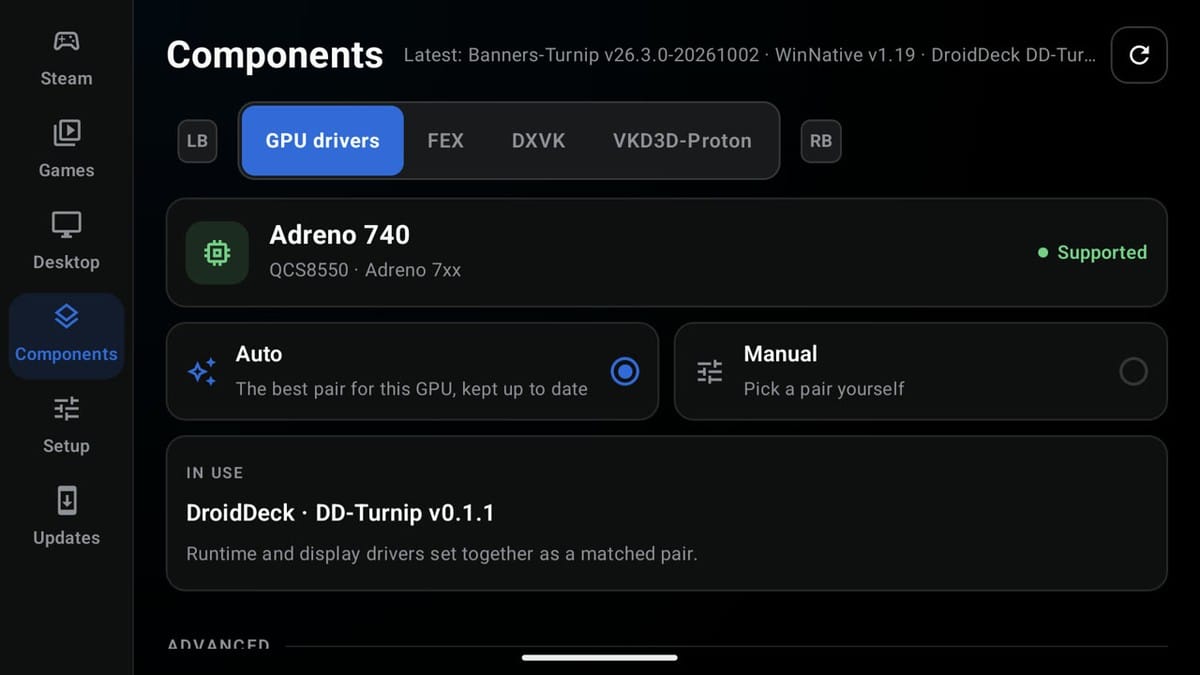
Hardware compatibility is expanding. The app requires Android 9 or newer, and previously, it only supported Adreno 730 or 8xx GPUs. Version 0.3.2 introduces experimental support for the Adreno 6xx series. This includes the Adreno 650 found in the Retroid Pocket 5. DirectX 11 games run through DXVK 2 on these older chips, and while they boot, DirectX 12 titles might still crash. Mali, PowerVR, and Xclipse GPUs remain completely unsupported.
The developers also added per-game Windows components. You can install dependencies like PhysX, XNA, and Games for Windows Live without running their original installers. This saves a lot of time when setting up older PC games on a phone.
Beyond the Steam store
The development team, including contributors like maxjivi05, xXJSONDeruloXx, and The412Banner, built in support for other storefronts. You can sign into GOG, Epic Games, and Amazon Games directly through the interface. The app downloads those titles and automatically adds them to the Steam client as non-Steam games. They launch through Proton just like native Steam purchases, so you won't need separate launchers.
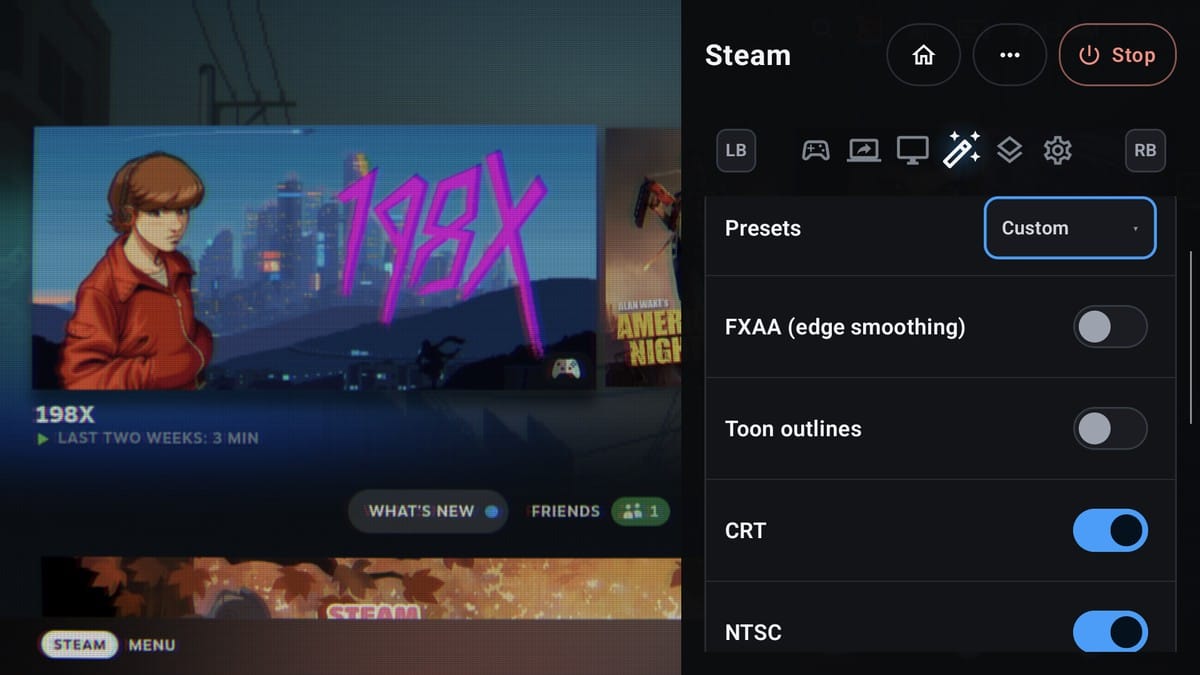
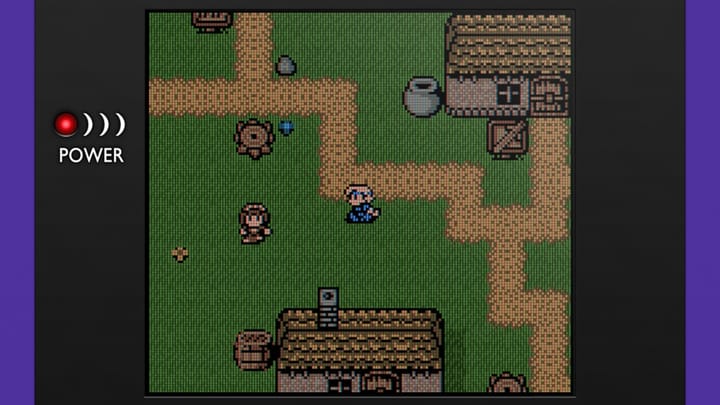
You can also install ARM64 Linux apps from Flathub. The desktop page accepts custom scripts, AppImages, and Flatpak IDs. A recent update added AMD FSR 1 and Snapdragon GSR image scaling, along with CRT and NTSC display filters.
Version 0.3.2 also changes how the software handles audio. DirectAudio is now the default setting for fresh installs. This brings major improvements to crackling and underruns across both audio modes. Steam and the games themselves now run on separate Xwayland servers, which brings the behavior much closer to an actual SteamOS installation.
The project isn't affiliated with Valve.


Comments ()