
SameBoy just updated its hyper-accurate Game Boy emulator to 1.0.3
The open-source emulator brings new fixes and stability improvements to its macOS, iOS, Windows, and libretro versions.
Developer Lior Halphon's latest stable release for SameBoy, the open-source Game Boy, Game Boy Color, and Super Game Boy emulator, is version 1.0.2, which was released on August 1, 2025. This version is available for download on the project's official website and SourceForge. While a v1.0.3 tag exists on the GitHub repository, version 1.0.2 is presented as the official update for general users. It brings a new round of bug fixes, stability patches, and accuracy improvements to the emulator's 1.0 branch.
I have been following SameBoy's history since it first launched in 2015. Over the last decade, it has evolved from a standard passion project into one of the most precise Game Boy emulators in existence. It is written in portable C and focuses heavily on high-level accuracy. The emulator successfully passes notorious test suites like mooneye-gb and blargg's test ROMs.
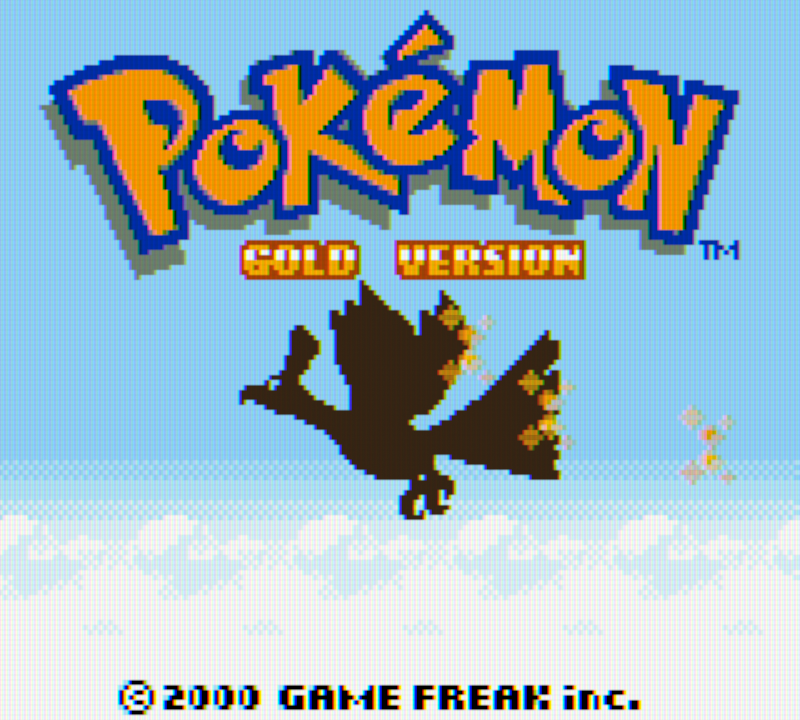
Leaving older emulators behind
Early Game Boy emulators from the 2000s, like VisualBoyAdvance and No$GMB, were built for computers with limited processing power. They relied on speed hacks and game-specific patches to make games run at full speed. That approach worked fine for standard games, but it caused massive glitches in titles that pushed the hardware to its limits.
SameBoy takes the opposite approach. It simulates the actual hardware cycles of the original console. The emulator has sample-accurate sound downsampled from 2MHz. It also has T-cycle accurate emulation of LCD timing effects. That means it can run incredibly finicky tech demos and games that rely on hardware exploits to display graphics. It even accurately replicates the subtle differences between various Game Boy hardware revisions.
Super Game Boy borders and Apple Watch ports
The 1.0 branch has introduced some wild user-facing features recently. Version 1.0.3 builds on the recent additions of faux analog inputs for modern controllers, iCloud save syncing, and custom color palettes for monochrome games.
One of the standout features is its Super Game Boy support. Nintendo released the Super Game Boy in 1994 as a Super Nintendo cartridge that played Game Boy games on a television. Games like Donkey Kong '94 and Pokémon Red included hidden code that displayed custom borders and enhanced color palettes when played through this accessory. SameBoy emulates this hardware natively. This gives you the exact borders and colors you would see on a CRT television in the nineties.
The developer also added native Apple Watch support in a previous 1.0 update. You can literally transfer ROMs to your wrist and play them using touch controls. It is a completely absurd way to play Tetris, and I love that it exists. The emulator also supports the Game Boy Camera and Game Boy Printer. It maps the original camera functionality directly to your modern device's webcam.
macOS, Windows, and a libretro core
You can run SameBoy natively on macOS, iOS, watchOS, Windows, and Unix-like platforms. It also exists as a libretro core. This means you can plug it directly into RetroArch or any other compatible frontend. The macOS version uses a native Cocoa interface with drag-and-drop support. The Windows and Linux versions use an SDL frontend.
SameBoy is also a robust tool for homebrew developers. It includes an advanced text-based debugger with an expression evaluator, a memory viewer, and a VRAM viewer. You can step through code, set conditional breakpoints, and trace call stacks. SameBoy's debugger is a massive help for anyone trying to figure out why their custom Game Boy ROM keeps crashing at the title screen. Emulation is useful for playing old games, but it is equally important for giving homebrew developers the tools they need to make new ones.

Comments ()