
AppleWin's newest update adds a 64-bit build and a better slot manager
The long-running Apple II emulator just hit version 1.32.0, bringing a full 64-bit executable and a completely redesigned expansion slot interface.
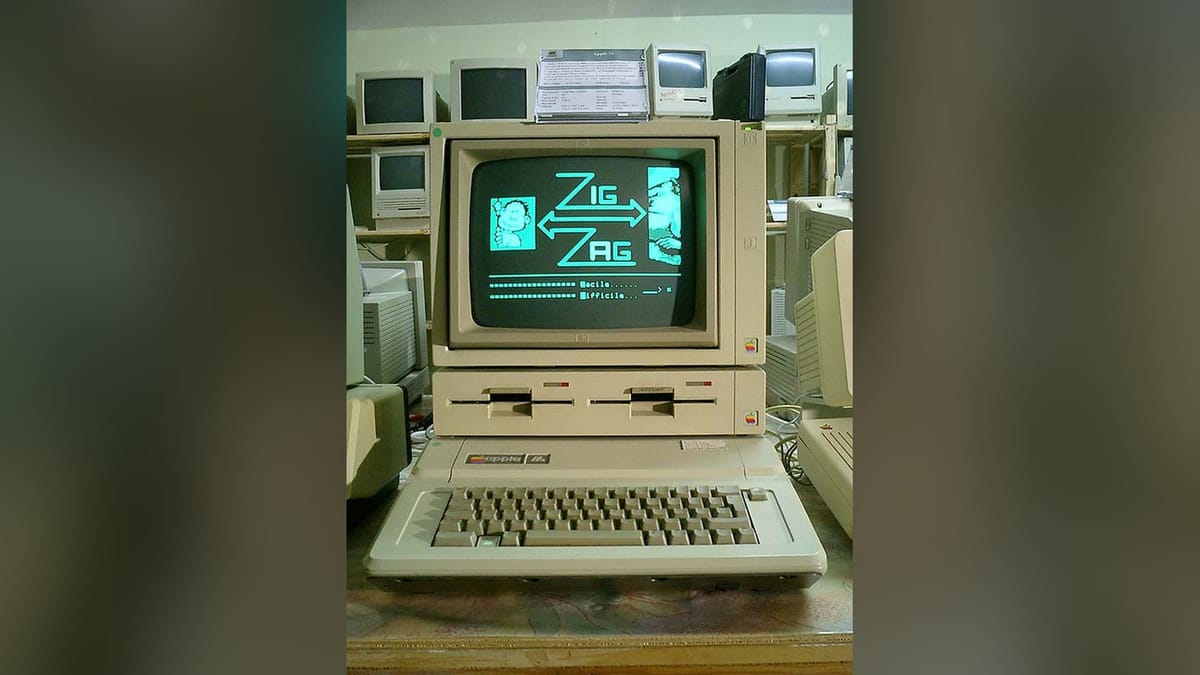

The development team behind the AppleWin emulator released version 1.32.0 this week. The update adds a native 64-bit executable and overhauling the virtual hardware configuration menu. According to Call-A.P.P.L.E., the new build is available now for Windows users.
Thirty years of Windows emulation
Mike O'Brien originally wrote AppleWin back in 1994. Windows 3.1 was still dominant at the time, and the actual Apple II hardware had only just ceased production the year prior.
Development eventually passed to Oliver Schmidt. Today, Tom Charlesworth leads the project alongside a team of open-source contributors. Over the last 32 years, AppleWin has become the default way to play games like Castle Wolfenstein, Wizardry, and the original Ultima on a modern Windows machine.
The Apple II itself launched in 1977. Steve Wozniak designed it with an open architecture and physical expansion slots. The computer was a massive success for Apple Computer, Inc. And sold millions of units across models like the IIe and IIc. Because it was so popular in the education market, an entire generation of students grew up playing The Oregon Trail on these machines.
Users could pop the plastic lid off the computer and drop in cards for 80-column text, mouse support, extra memory, or specialized floppy drive controllers. Emulating that hardware flexibility is difficult, and it is exactly what this new emulator update addresses.
Any card in any slot
The biggest change in version 1.32.0 is the configuration GUI. The developers removed the dedicated Sound and Disk tabs entirely to clean up the interface.
Instead, the settings menu has a new Slots configuration page. You can now insert any virtual card into any of the Apple II's expansion slots. Some specific cards even have their own dedicated sub-menus for deeper configuration. If you mess up your virtual hardware setup, you can just hit the new Reset to Default button to clear the slots or return them to their stock configuration.
The Advanced tab now houses the No-Slot clock checkbox. The team also fixed a frustrating save-state bug. Previously, if your disk image file contained a hash symbol, the emulator would fail to load your save properly. That regression popped up in version 1.30.20.0 and is now resolved.
The menu text now refers to the "Apple II Plus" instead of the "Apple II+". It is a tiny detail, but it shows the level of historical accuracy the team is aiming for.
A native 64-bit executable
The other major addition is under the hood. The download now includes AppleWin-x64.exe. This provides a full 64-bit version of the emulator for the first time.
Moving to a 64-bit architecture in 2026 might seem late for a desktop application. However, older emulator development often relies on heavily optimized 32-bit assembly code written years ago. Porting that logic to 64-bit ensures AppleWin will continue to run on future Windows builds without relying on legacy compatibility layers.
The 32-bit version is still included in the release for users running older operating systems. Having both executables available makes the transition seamless.



Comments ()