
AmiBootEnv turns your modern PC into a dedicated Amiga appliance
A new GitHub project builds a dedicated Amiga environment on top of a minimal Debian install, skipping the modern desktop entirely for a pure emulation experience.

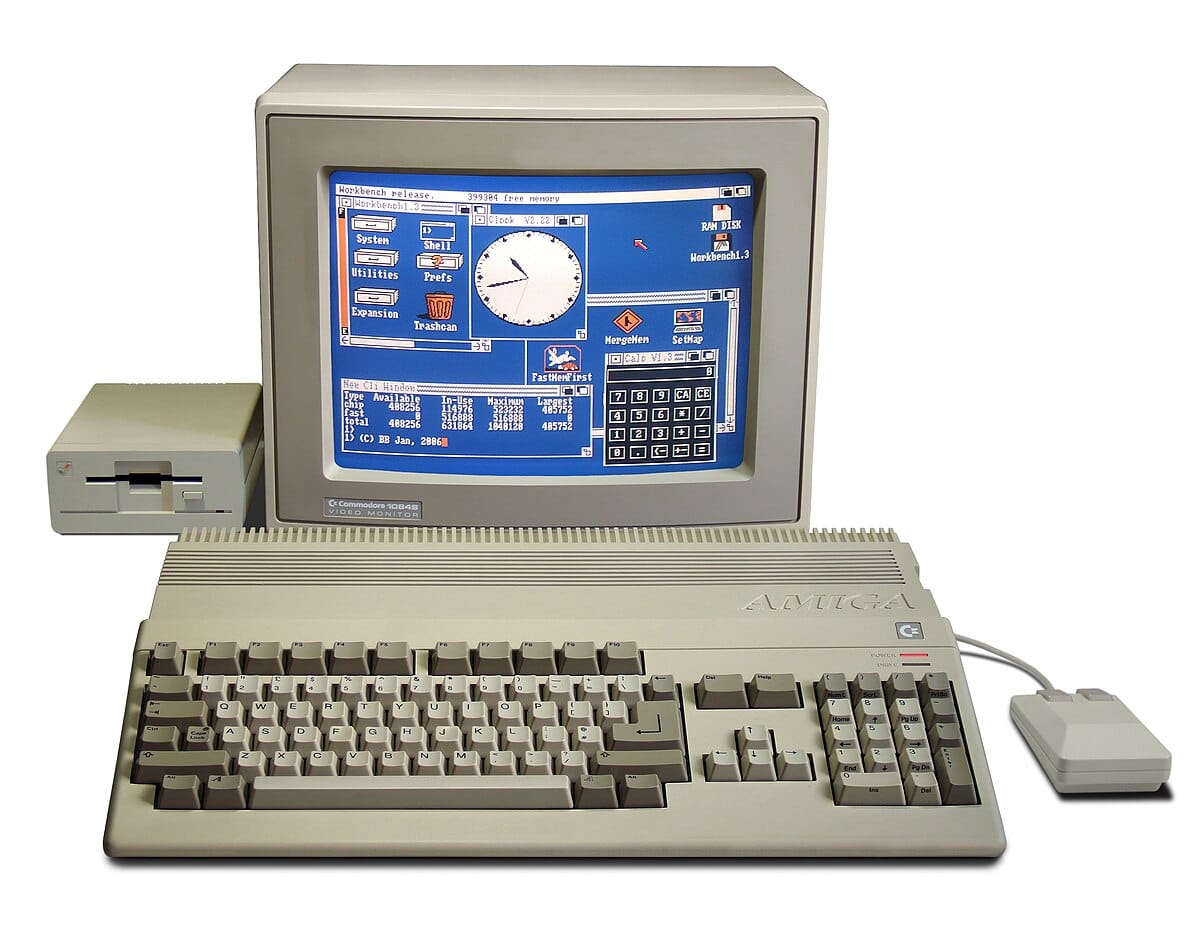
There is a specific kind of satisfaction in taking a modern PC, capable of rendering photorealistic worlds, and forcing it to act like a beige wedge from 1985. For those who prefer their computers to boot straight into a Kickstart screen rather than Windows 11, a new project called AmiBootEnv aims to turn standard x86 hardware into a dedicated Amiga appliance.
Most modern Amiga emulation packages, such as Amikit or PiMIGA, focus heavily on the software experience. They usually arrive with slick, pre-configured Workbench environments and libraries of pre-installed tools. AmiBootEnv takes a starkly different approach. According to the project's creator de-nugan, the goal is to provide "a base (emulated) system on which to install and run your virtual Amiga(s)."
The Machine, Not the Software
The philosophy here is bare metal. The system is built on top of a minimal installation of Debian Linux (specifically versions 12 or 13). It utilizes the Amiberry emulator but intentionally strips away the modern comforts of a host operating system. There is no need for X Windows. The system boots directly into emulation, effectively hiding the Linux kernel running underneath.
This approach appeals to the sort of person who wants the experience of owning an Amiga without the desk space requirements or the capacitor leakage anxiety. The project was inspired by utilities like the rEFInd boot manager and Rob Smith's FloppyBridge, aiming to make the PC feel less like a computer running an emulator and more like the original hardware.
Technical Features
Despite the minimalist approach, the feature list includes several quality-of-life integrations for hardware enthusiasts. AmiBootEnv automatically mounts USB storage devices and detects hard drives (both directories and native devices) before emulation begins. Perhaps most interestingly for preservationists, it detects Greaseweazle floppy drives on boot, bridging the gap between physical media and the emulated environment.
The installation process requires a bit of command-line comfort. You need to install a minimal Debian x86_64 system, preferably in UEFI mode to utilize the rEFInd boot manager integration. The documentation includes a warning that feels spiritually aligned with the project's ethos: "Do not install an X Windows desktop environment!"
To help users get files onto the system, AmiBootEnv includes a basic AROS system equipped with Directory Opus. This allows for importing ROMs, ADFs, and HDFs from removable storage in what the developer calls "The Amiga Way." It is a project for those who want to build their system from the ground up, rather than inheriting someone else's configuration.



Comments ()