
86Box 6.0 just made networking emulated retro PCs much easier
The cycle-accurate PC emulator adds a cross-platform local switch, LapLink cable emulation, and mechanical hard drive sounds.
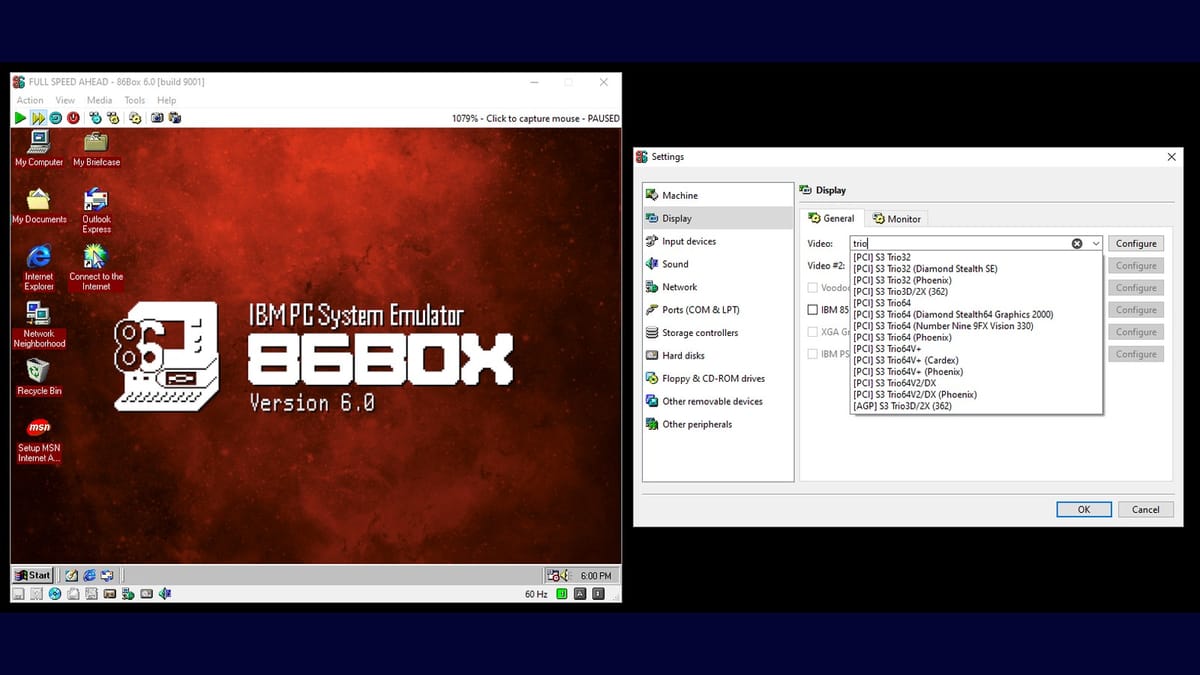
The 86Box project has released version 6.0 of its cycle-accurate PC emulator, adding a built-in local switch that automatically networks multiple emulated machines across different host platforms.
The difference comes down to high-level versus low-level emulation. DOSBox fakes a DOS environment. It intercepts DOS interrupts and translates them into modern operating system calls so you can double-click a shortcut and play a game easily. 86Box takes the difficult route. It emulates the actual silicon of specific motherboards, processors, and expansion cards. You have to install a real BIOS, partition a virtual hard drive, and load an operating system from scratch.
86Box ensures games run exactly as they did on real hardware, complete with the correct slowdowns, timing bugs, and rendering quirks of an S3 ViRGE or 3dfx Voodoo card.
The local switch replaces manual VDE setups
The biggest addition in the version 6.0 update is the new local switch. Previously, networking multiple 86Box instances required third-party tools like VDE. That process involved tedious manual configuration and largely left Windows users without a straightforward solution.
The new built-in switch handles networking automatically. You can connect multiple emulated machines running on a single host computer, or link them across multiple real computers on your local network. It works seamlessly across Windows, Linux, and macOS. You can even isolate different virtual networks using passwords.
This is a massive improvement for retro multiplayer. Playing Doom, Duke Nukem 3D, or Command & Conquer over IPX or serial connections used to require complex virtual network adapter configurations. Now you can host a virtual LAN party on a single modern PC just by spinning up four 86Box instances and connecting them to the same virtual switch.
Emulating LapLink cables and SCSI tape drives
The update also expands serial and parallel port connectivity. The new Named Pipe device lets you connect emulated machines using a virtual LapLink cable or a DirectParallel cable. The Named Pipe system now supports automatic client and server modes across all desktop operating systems.
If you are building an emulated retro server, 86Box now supports SCSI tape drives. You can make period-accurate backups of your virtual machines to virtual tapes. Emulating a tape drive to back up an emulated hard drive is peak retro computing absurdity. It serves no practical modern purpose, but it is exactly the kind of historical preservation 86Box excels at. Consumer-grade floppy interface tape drives are planned for a future update.
3600 RPM hard drive noises
Version 5.2 introduced mechanical floppy drive sounds. Version 6.0 adds hard disk sounds. You can configure these separately from the existing machine presets. The current release includes recordings from three different 3600 RPM hard drives.
The user interface also received several tweaks. Recent disk images now show a lock icon if they are write-protected. The version 6.0 release also adds the Analog Devices AD1816 audio controller to the hardware roster, giving users another obscure sound card to configure. Finally, the development team dropped support for older compilers and cleaned up legacy code, which improves overall performance.



Comments ()