
MiSTer-Disc-Tools v1.5.0 adds raw subchannel data ripping
Anime0t4ku's utility for the MiSTer FPGA now preserves raw subchannel data, making your CD backups much more accurate.
Developer Anime0t4ku released version 1.5.0 of the MiSTer-Disc-Tools utility suite today. The update adds support for preserving raw subchannel data during the disc ripping process. I've covered this project a lot over the past couple of years, so I wanted to check in and see what's new.
The software runs directly on the MiSTer FPGA platform. It lets you plug a standard USB optical drive into the DE10-Nano board to rip, dump, and burn original retail CDs. Anime0t4ku built the tool to handle physical media for disc-based cores like the PlayStation, Sega Saturn, PC Engine CD, and 3DO. The tool outputs standard formats. You end up with a clean BIN and CUE file pair that the MiSTer cores already understand, ready to mount directly in the menu.
Reading the hidden tracks
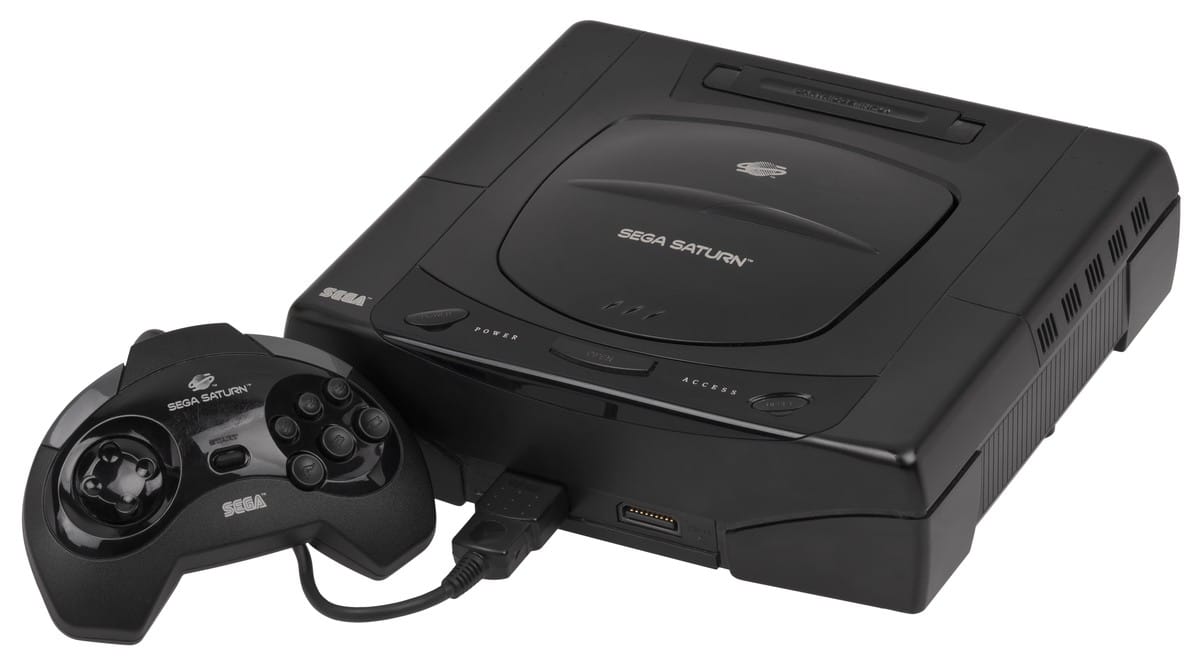
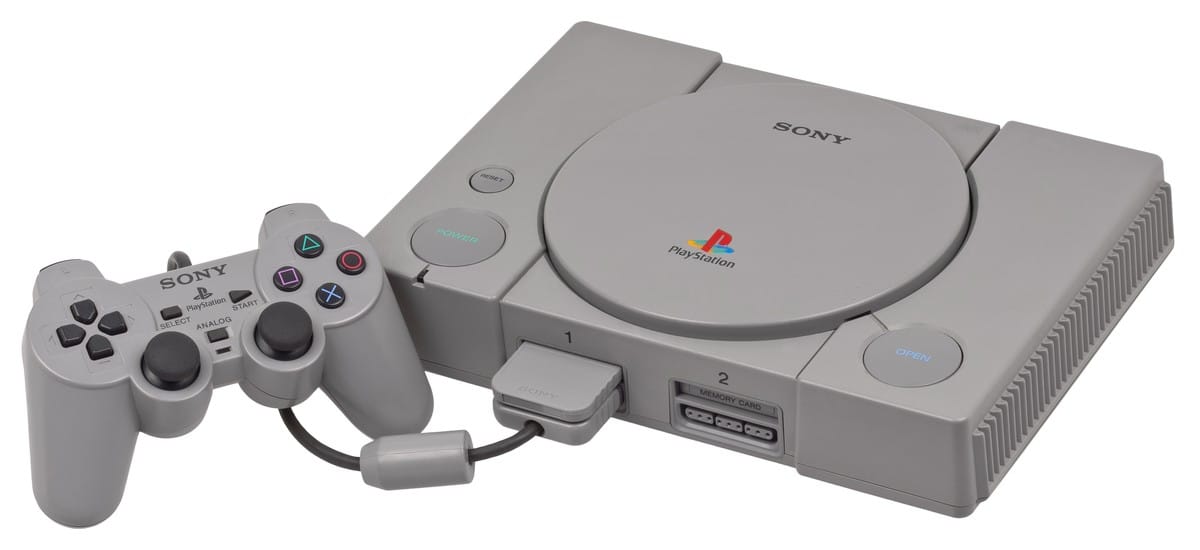
The version 1.5.0 patch notes state the update makes rips more accurate for titles that rely on subchannel information, which is stored across eight subchannels labeled P through W. Early game consoles used these sectors for a few different tasks. They handled CD-DA audio indexing and custom track timing. They also ran anti-piracy checks.
Sony's LibCrypt copy protection on the PlayStation is the most famous example. It hid a 16-bit key in the subchannel Q data. If your ripping software doesn't catch that data, the resulting backup would fail the security check and refuse to boot. By capturing the raw subchannel structures instead of just doing a standard ISO extraction, dumps made directly on the MiSTer hardware achieve higher compatibility. You'll get a true copy. It fixes a blind spot that older ripping methods struggled with.
You still need a compatible drive
You need a compatible drive. Not every USB CD or DVD drive can read raw subchannel data properly, as some drives abstract that information away before it ever reaches the host system. If your hardware supports it, the utility will now pull the extra sector data automatically during the dumping process.
The MiSTer ecosystem traditionally relied entirely on digital ROM images stored on SD cards or network drives. Alexey Melnikov started the project in 2017 to recreate classic hardware at the silicon level. For years, playing CD-based games meant sourcing image files online or ripping them on a desktop computer using specialized software like Exact Audio Copy. Anime0t4ku changed that dynamic. They pioneered physical optical media support for the platform.
It's a massive shift for people who still own their original game libraries. You don't need a separate PC setup to back up your games anymore, because you can just plug a drive directly into the MiSTer and let the hardware do the work.


Comments ()