
LaunchBox just overhauled its save backups and RetroAchievements
Version 13.27 of the popular PC frontend brings automatic save backups for Dolphin and PCSX2, plus deeper RetroAchievements integration.
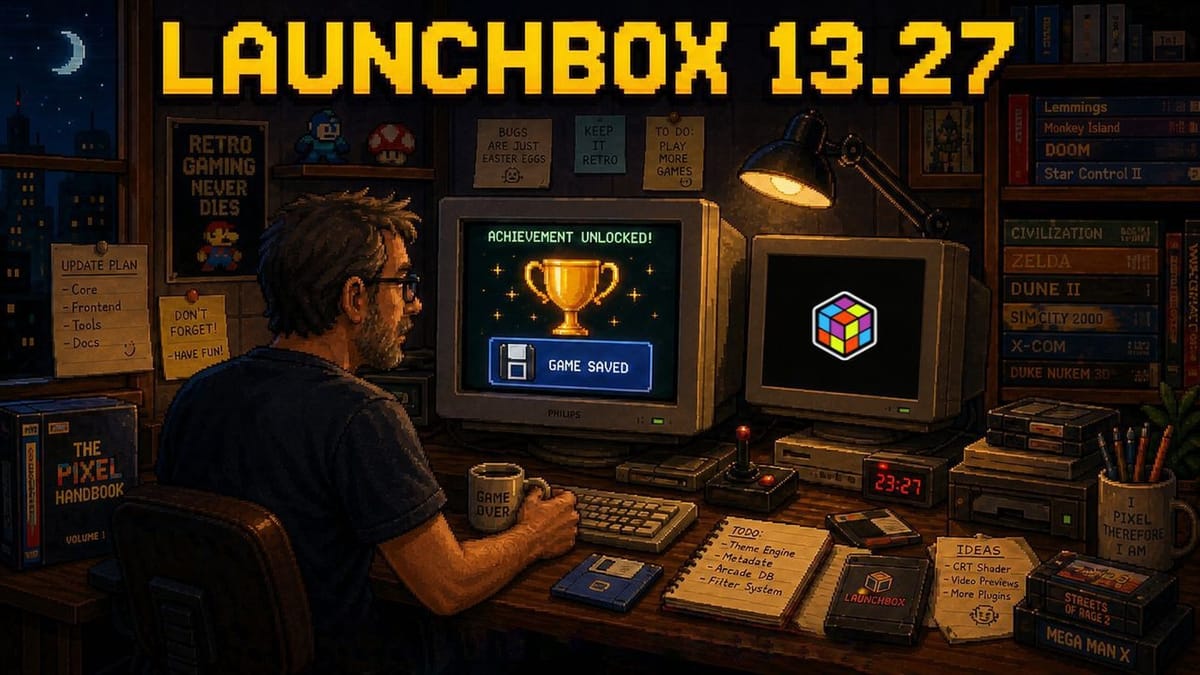
Unbroken Software has released LaunchBox 13.27, a major update that overhauls how the frontend handles save files and RetroAchievements. The new version dropped on May 13 and brings several quality-of-life improvements to both the free desktop application and the premium Big Box interface.
LaunchBox has been around since 2013. It started as a simple graphical interface for DOSBox and eventually ballooned into a comprehensive database that can launch everything from Steam games to obscure arcade ROMs. This is a pretty big update for the software. The developers focused heavily on the metadata and background utilities that keep massive digital libraries organized.
Frontends have become increasingly important as digital libraries fracture across different PC storefronts and standalone emulators. Programs like LaunchBox and Playnite try to glue everything back together into a single cohesive menu. LaunchBox excels at visual presentation. It pulls in high-resolution box art, manuals, and video snaps for almost any game you throw at it.
LaunchBox 13.27 overview. Video: Unbroken Software
Automatic backups for Dolphin and PCSX2
The most practical addition is the upgraded save management system. LaunchBox now performs automatic save backups and maintains a version history for your files. If a save gets corrupted or accidentally overwritten, you can roll back to an earlier state directly from the launcher.
This system now officially supports Dolphin and PCSX2. Managing saves for the GameCube, Wii, and PlayStation 2 can be notoriously messy. Emulators often juggle virtual memory card files, folder-based saves, and save states. Having a unified backup system that understands these specific emulator structures takes a lot of friction out of the process.
How long it takes to master
The RetroAchievements integration also received a massive expansion. LaunchBox now pulls deeper statistics from the community-driven achievement platform. Game detail screens display Time to Beat and Time to Master estimates based on global player data.
Earning modern achievements in games from the 1980s and 1990s has revitalized retro gaming for a lot of people. It gives players a tangible reason to revisit titles they have already beaten a dozen times. Mastering a game on RetroAchievements means unlocking every single badge. This often involves absurd challenge runs or deathless platforming segments. Knowing exactly how much time a specific game demands before you boot it up is incredibly useful.
The update also adds better achievement filtering options across both the standard LaunchBox desktop interface and the controller-friendly Big Box mode. You can now sort your library to find games where you are close to a milestone.
The system tray is free now
Unbroken Software also tweaked the onboarding process. A completely overhauled Welcome Wizard greets new users. It streamlines the initial setup for emulator paths and storefront imports. Setting up a fresh frontend from scratch is usually a tedious afternoon project. The new wizard attempts to automate more of the heavy lifting.
System tray support is no longer locked behind a paywall. Free users can now minimize LaunchBox to the Windows system tray to keep it running in the background without cluttering the taskbar.
LaunchBox 13.27 is available to download now for Windows. The core application remains free. Big Box and certain custom themes still require a premium license.

Comments ()