
Heroic Games Launcher 3.0 beta adds Steam, itch.io, and a new UI
Heroic Games Launcher 3.0.0 Beta 1 is out for Linux, Windows, and macOS, bringing a rebuilt interface alongside early Steam and itch.io integrations.
The open-source Heroic Games Launcher has shipped version 3.0.0 Beta 1 for Linux, SteamOS, Windows, and macOS, overhauling its interface from scratch and adding store integrations for Steam and itch.io, though Steam support via Aurelia is only available on Linux and Windows in this release. Creator Flávio Lima confirmed that Aurelia has not yet been adapted for macOS, so macOS users only get itch.io in this beta. Released on November 24 as an early pre-release build, the update calls itself "the biggest release we ever made" while keeping version 2.22.4 as the recommended stable version for everyday play.
Brazilian developer Flávio Lima started Heroic in late December 2020 as a quick two-day winter project, building a graphical Electron wrapper around the command-line tool just so he could play Remedy's Control on Linux. Licensed under GPLv3 and publicly released as v1.0.0 on GitHub with a Reddit announcement on December 30, 2020, the app expanded to pull in GOG (via gogdl) and Amazon Games (via Nile), becoming a staple on the Steam Deck after Valve's handheld arrived in 2022. It now sits past 20 million downloads and roughly 500,000 monthly active users, which is a wild trajectory for an app born out of refusing to boot into Windows for a single game.
Five stores under one roof, except Half-Life 2
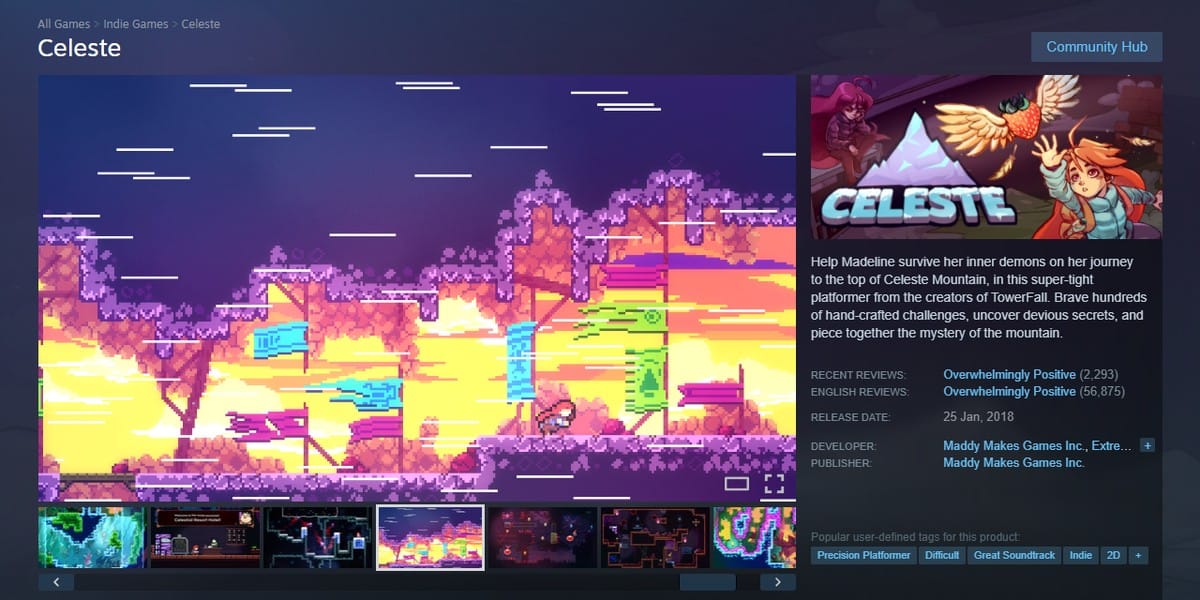
Adding Valve's storefront and itch.io pushes Heroic's coverage from three stores to five. Steam support comes through Aurelia, a lightweight, Rust-based headless Steam client built by contributor Drackrath that skips heavy web views to keep idle memory usage under 50 MB. For itch.io, the indie storefront Leaf Corcoran launched in 2013 that now hosts over 1,000,000 games and jam projects, Heroic relies on the platform's official Butler command-line binary.
Neither integration is ready to replace your existing setup just yet. Even with Aurelia doing the heavy lifting, you still need the official Steam client installed on your machine, anti-cheat titles probably won't run, and several first-party Valve games, including Half-Life 2, won't launch at all right now. That's a funny blind spot considering Half-Life 2 is the 2004 shooter that forced PC players to install Steam in the first place.
The itch.io implementation has an odd quirk of its own on Linux: the developers chose to only support Windows builds running through Wine and Proton for now, leaving native Linux binaries out in the cold. I'm curious how long that limitation sticks around, since plenty of smaller indie and retro-styled jam games on itch.io actually bother shipping native Linux builds.
Rebuilt from scratch by the original designer
Heroic's original UI designer, Bili Silva (Biliane Silva), spent months rebuilding nearly every screen from the ground up for 3.0, replacing the library view, game pages, modals, and settings menus. The visual refresh introduces the Outfit font alongside new color themes (including a One Piece theme, for some reason), though the team warns that console mode still needs polish.
Underneath the fresh coat of paint, there's a new download manager, a settings search bar, and a redesigned Add Game dialog that automatically detects executables. Controller navigation was reworked to match the new layout, adding a dedicated Gamepad tab for remapping buttons, plus controller battery readouts that are restricted to Linux for now.
Cloud saves also got path checks, automatic backups on every sync, and a restore option. Those sit alongside a new Backup Wizard built to save your logins, app configs, and per-game settings, while helping Linux users migrate from Flatpak packages to other installation formats. If you're tempted to test the beta via GitHub or the Flathub beta repository instead of sticking with 2.22.4, run that backup tool first, because an early overhaul touching five different store backends is practically begging to eat a config file.


Comments ()